EarnScreen
A privacy-first iOS app that unlocks distracting apps only after real-world habits are completed and motion-verified. All enforcement and state live on the device.
01Problem
App-blocking tools are easy to ignore because they rely on willpower or an honor system. The goal was to make screen time something you earn through genuine real-world activity — and to verify that activity — without surveilling the user or sending their behavior to a server.
02Product
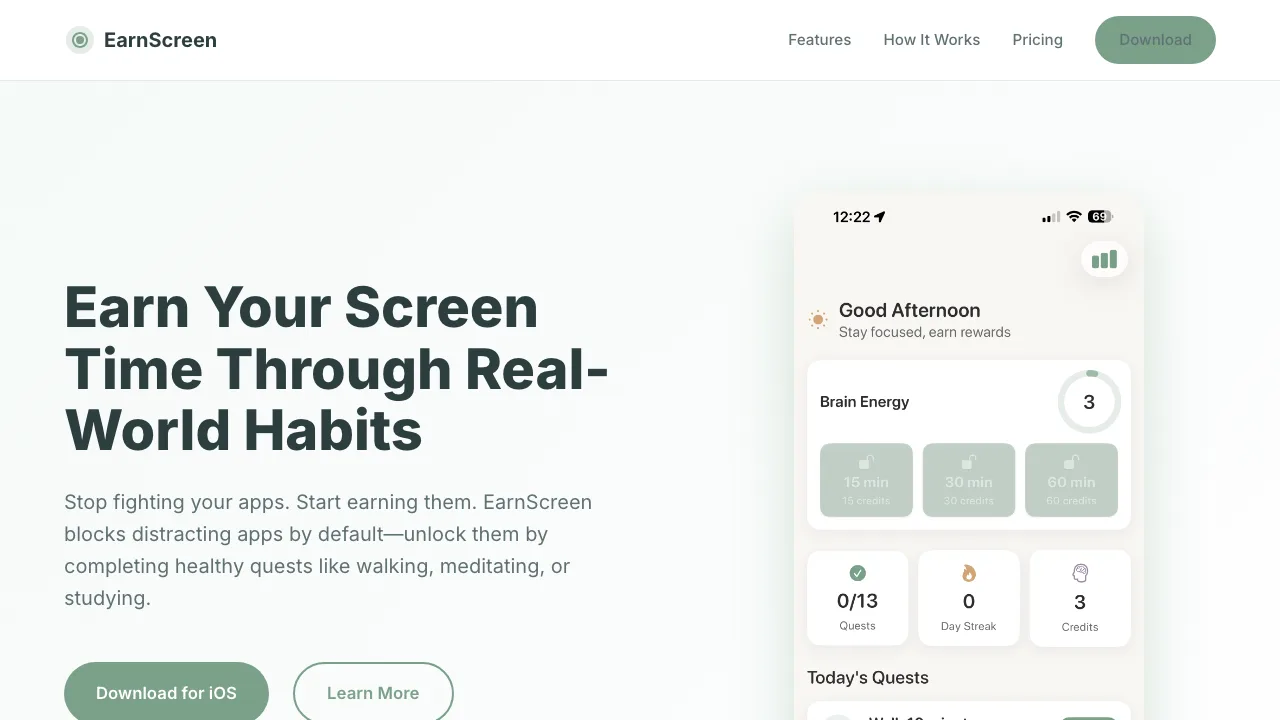
EarnScreen blocks distracting apps by default. To unlock them, the user completes a quest such as walking, meditating, or studying. Physical activities are verified through device motion, so credit reflects real effort rather than a tap.
03Architecture
No behavioral data leaves the device — the enforcement loop is entirely local.
04Engineering decisions
Why the Family Controls framework?
It’s Apple’s supported mechanism for shielding apps. Using it keeps enforcement reliable and within platform rules, rather than fighting the OS with workarounds.
Why motion verification?
A button press proves nothing. Reading device motion makes physical quests like walking verifiable, which is the whole premise of the app.
Why keep state on-device?
The data involved — activity and app usage — is sensitive. Keeping it local removes the need for a backend and the risk that comes with storing behavioral data remotely.
How are edge cases handled?
Motion signals are noisy. Verification is designed to tolerate real-world variation while still requiring genuine activity before granting credit.
05Implementation
- Enforcement — app shields managed through the Family Controls / Screen Time APIs.
- Verification — physical quests validated using Core Motion activity data.
- State — credits and unlock state persisted locally on the device.
- UI — built in Swift with a quest-driven flow.
06Production
- Published to the App Store.
- Runs on-device with no backend to operate.
- No behavioral data collected or transmitted.
07Current status
Published Available on the App Store.